
Golden hour filter
The hour everyone waits for, on a photo you already took: low honey-gold sun behind you, light glowing through your hair, a soft flare and warm, sun-kissed skin.
A 1-minute quiz, then 7 days free. No app, works in TikTok and Instagram. 18+, photos auto-delete.
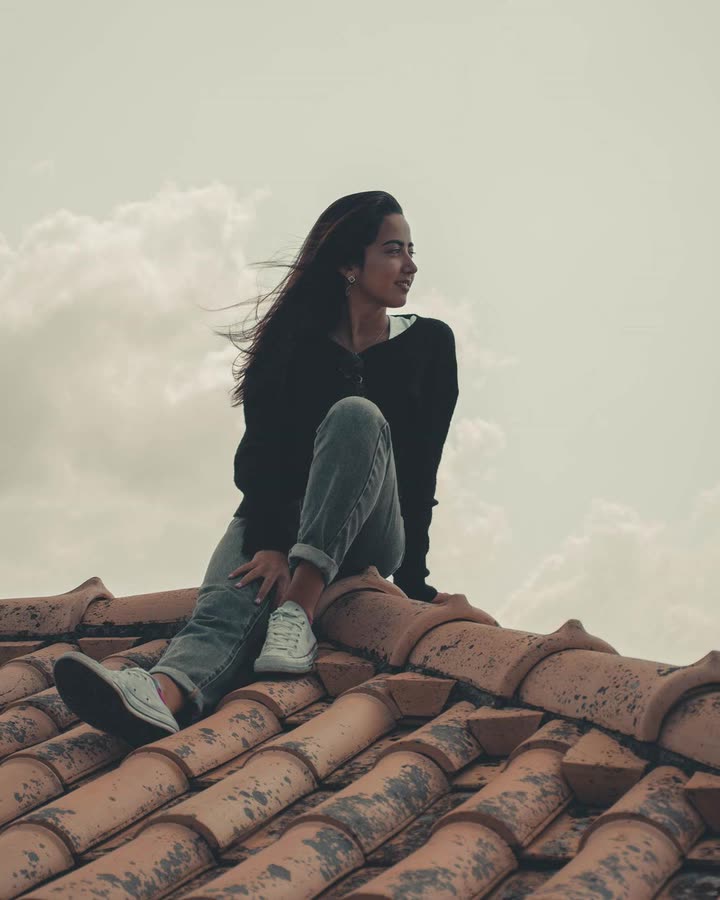
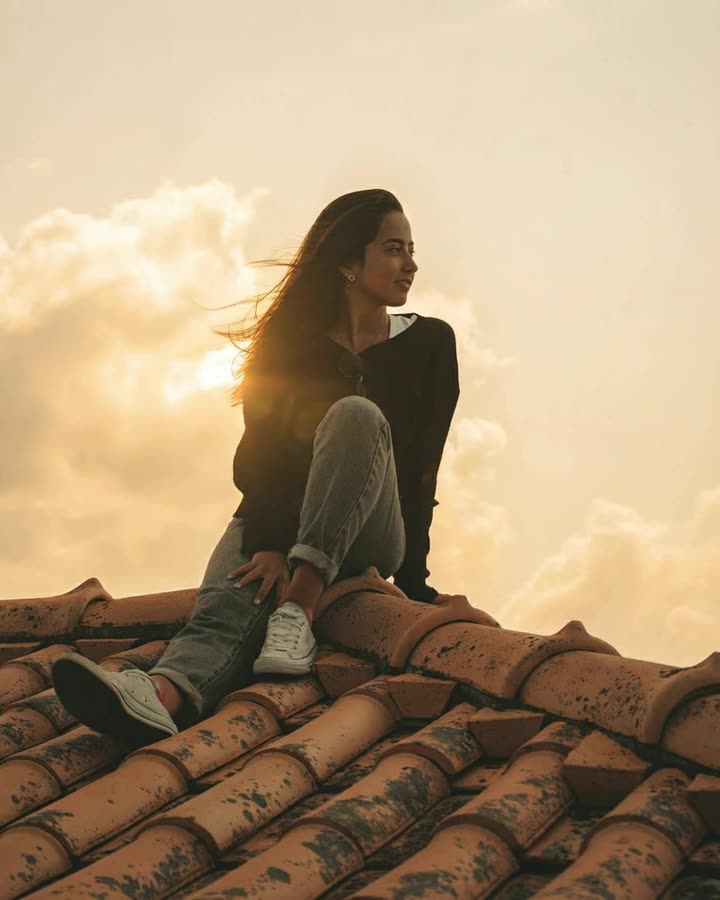 BeforeGolden Hour
What golden hour light looks like
Just after sunrise and before sunset, the sun sits low and warm. Backlight wraps around your hair and shoulders, shadows get long and soft, and everything turns gold and peach. It is the most flattering light there is, and the hardest to catch.
How DigicamLook adds it
The AI relights your photo as if the sun were low behind you, keeps the place, your pose and your face, and adds the haze and flare a real lens catches. Prefer a full sunset sky? Try Sunset Glow. Want sparkles? Stardust adds tiny star flares to the highlights.
Examples


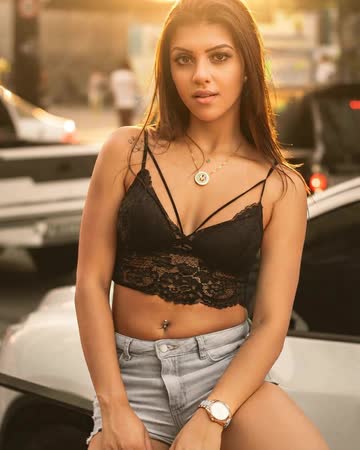
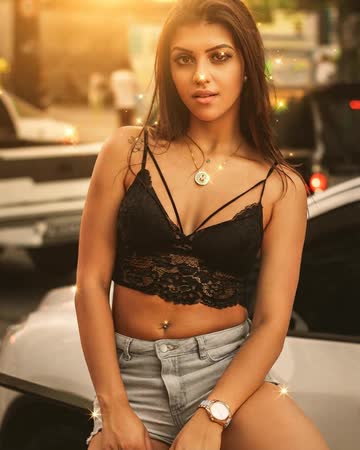
Examples are AI edits of free stock photos (Pexels), made with DigicamLook.
How to get the Golden Hour look
Take the 1-minute quiz
Pick your vibe and your looks. Golden Hour is already in your pack.
Start your free week
$0 today. Add any photo from your camera roll and we develop your pack right away, usually in under a minute.
Download or make slides
Full-res downloads, a strength slider, Remove People, Pro Lighting and Posted / Deleted slides with the free week.
FAQ
Does it need an outdoor photo?
Outdoor photos look the most natural, but indoor photos by a window work too.
Can I make it subtler?
Yes. The strength slider blends it back toward your original before you download.
How long does it take?
Usually 10 to 20 seconds per look.
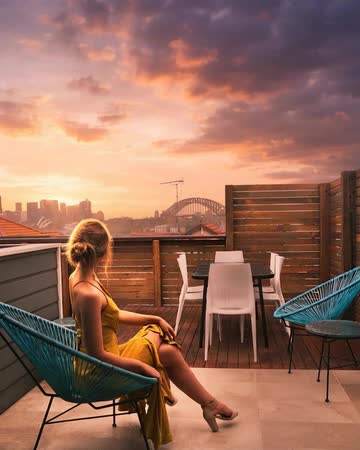 Sunset Glow
 Stardust
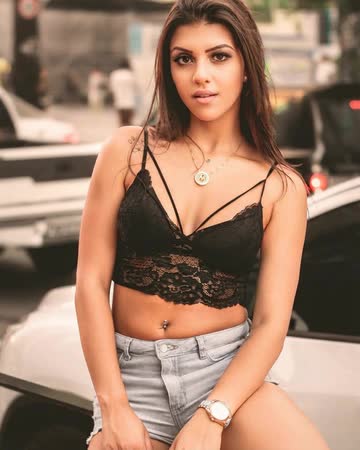 Soft Glow