
Remove people from a photo
Came all the way there and your only photo has strangers in it? Remove People erases tourists and passers-by behind you and fills the street, sea or wall behind them, so nobody can tell.
A 1-minute quiz, then 7 days free. No app, works in TikTok and Instagram. 18+, photos auto-delete.
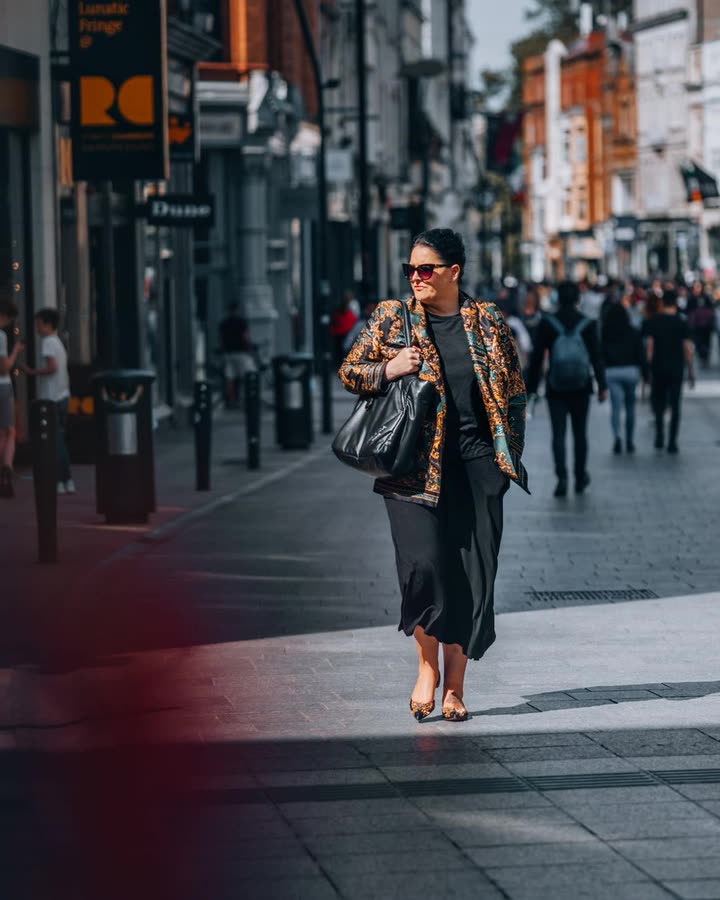
 BeforeRemove People
How it works
Add your photo and tap Remove People. The AI keeps you (or you and your friends) exactly as you are, erases the background strangers and rebuilds what was behind them with matching light, perspective and texture.
Then make it post-worthy
The viral fix-it carousels go step by step: remove the people, fix the light with Pro Lighting, then add a look like Sunset Glow or Digicam Flash. DigicamLook does all three on the same photo, and the carousel maker turns them into slides.
Examples




Examples are AI edits of free stock photos (Pexels), made with DigicamLook.
How to get the Remove People look
Take the 1-minute quiz
Pick your vibe and your looks. Remove People is already in your pack.
Start your free week
$0 today. Add any photo from your camera roll and we develop your pack right away, usually in under a minute.
Download or make slides
Full-res downloads, a strength slider, Remove People, Pro Lighting and Posted / Deleted slides with the free week.
FAQ
Does it change me or my friends?
No. The people in focus stay exactly the same; a second AI checks every result and retakes it if anyone drifted.
What if someone is right next to me?
People in the background go best. Someone overlapping you is harder; try it, and if it looks off, you can try again or use the original.
Is it free?
Remove People is part of the 7-day free trial, then $9/week.
 Sunset Glow
 Golden Hour